

Tutorials
42 short walkthroughs in 7 topics. Each topic opens with its feature film.
01 · 11 tutorials
Getting started
Join, log in, finish setting up and find your way around the platform.
 1:4901Joining The NLSWelcome to The NLS. In the next couple of minutes I'll show you how to create your account.
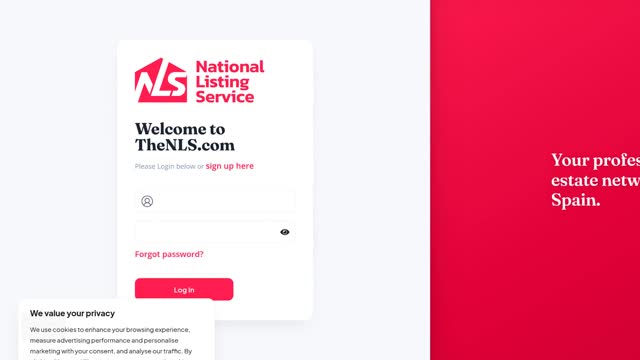 1:4302Logging in and staying secureTo log in, go to thenls.com and click Log in in the top corner.
 2:2103Welcome: finish setting upThe first time you log in, a short welcome tour opens over your dashboard.
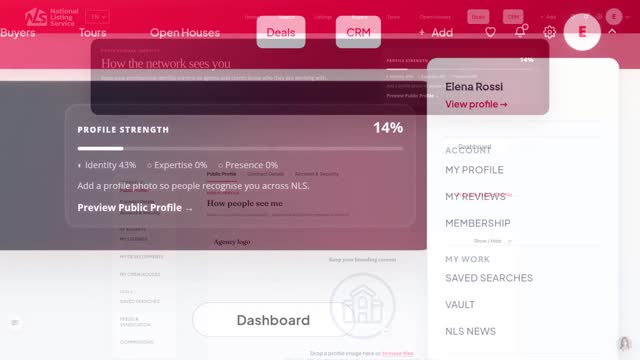 2:1704Your profile and agency detailsClick your photo in the top right, then My Profile.
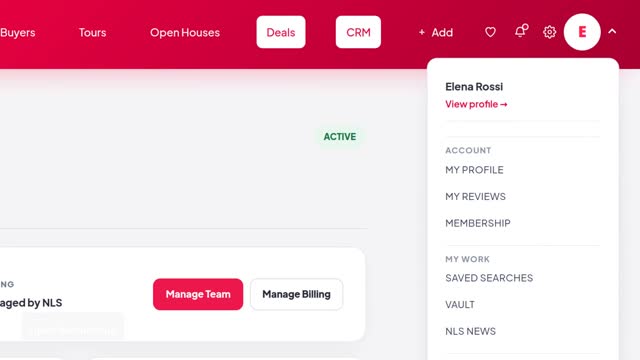 1:3505Membership and billingTo check your membership, click your photo, then Membership.
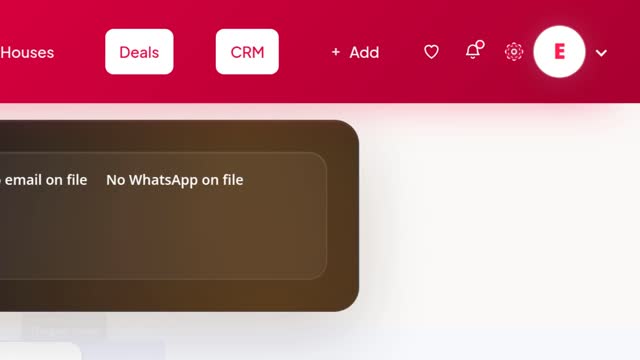 2:1606Settings and notificationsYour settings live under the gear in the top bar.
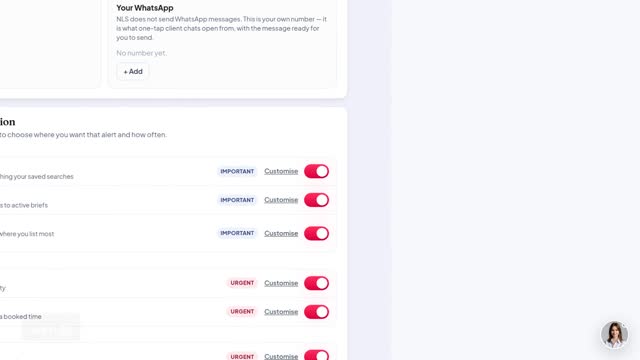 1:3507Getting helpWhenever you're stuck, ask Polly, the NLS assistant.
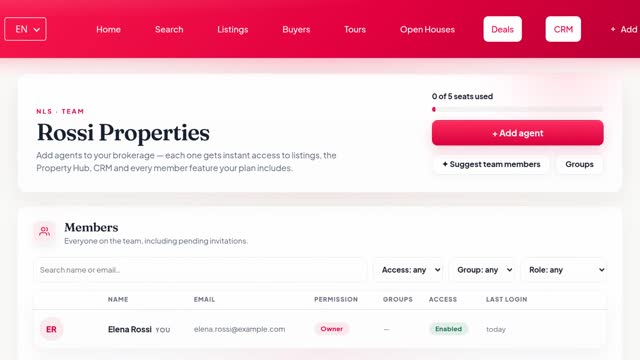 5:0208Your teamEverything about your team lives in one place.
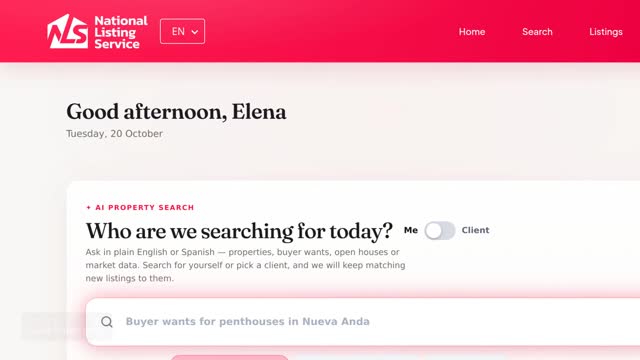 2:4309The dashboardYour dashboard is your home page.
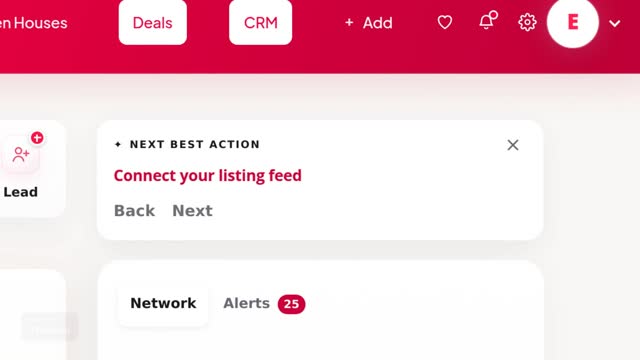 2:2110Next best actionsAt the top of your dashboard's right-hand rail is the Next best action card.
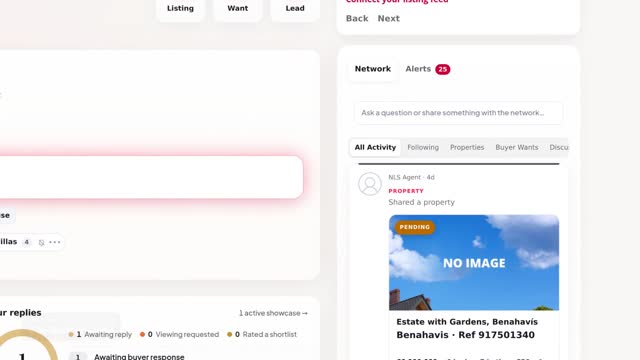 2:2211The NLS Network and agent directoryThe Network is where agents share listings, buyer needs and opportunities.
02 · 5 tutorials
Search and matching
Find the right property for every buyer, and the right buyer for every property.
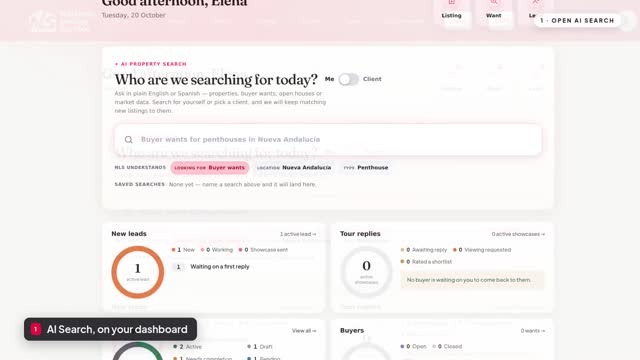 5:0412AI property searchAI Search is the first thing on your dashboard.
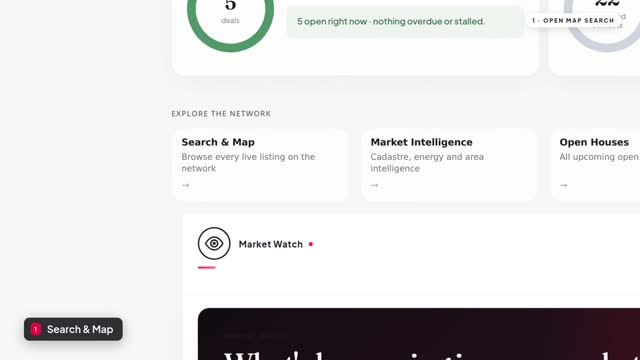 2:1113Map search and new developmentsMap search shows every live listing on The NLS on a map.
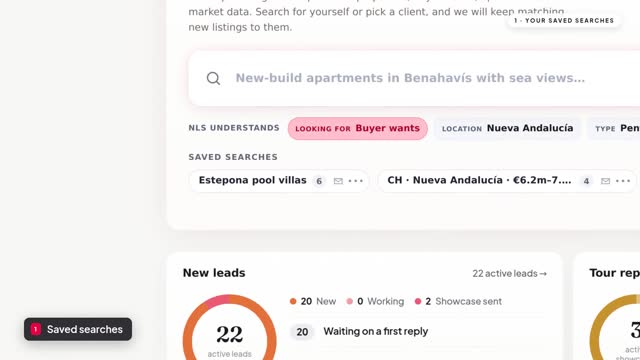 1:0814Saved searches and watchlistAny AI search can be saved, with alerts, as shown in the AI Search walkthrough.
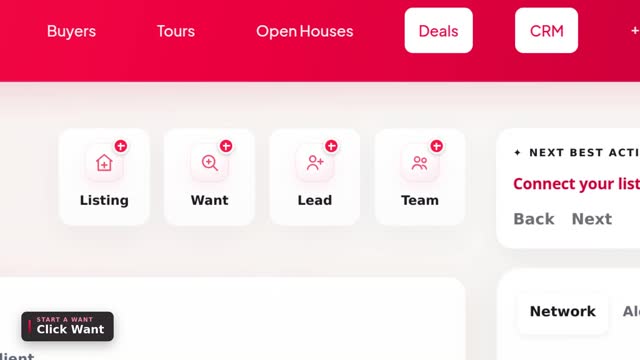 3:3415Buyer WantsBuyer Wants tell every agent on the NLS what your buyer is looking for.
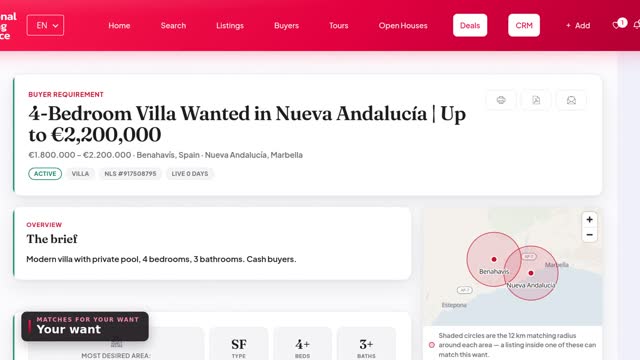 2:4016Buyer matches and match alertsEvery want you post is matched against live listings across the NLS.
03 · 7 tutorials
Listings
Add listings, fill them from a Nota Simple, keep them private or share them across the network.
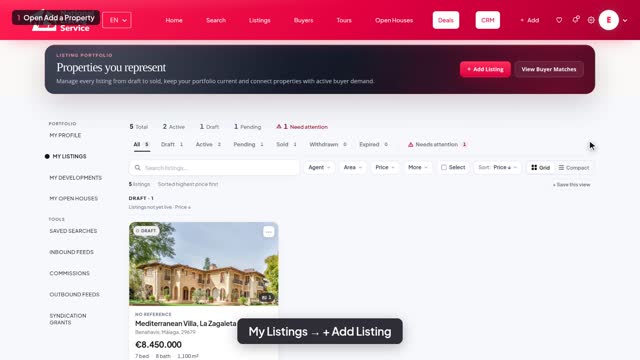 5:0317Add a listingLet's add a new listing.
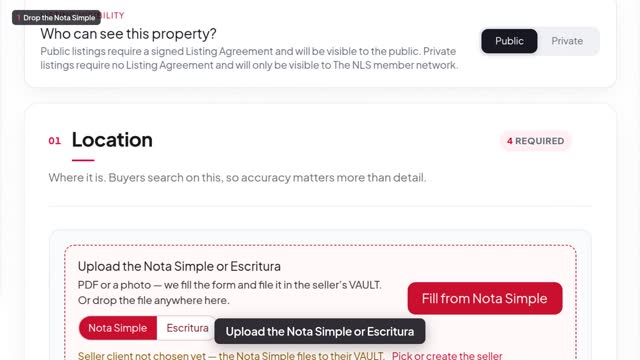 2:3018Fill a listing from a Nota SimpleThe fastest way to start a listing is from the Nota Simple.
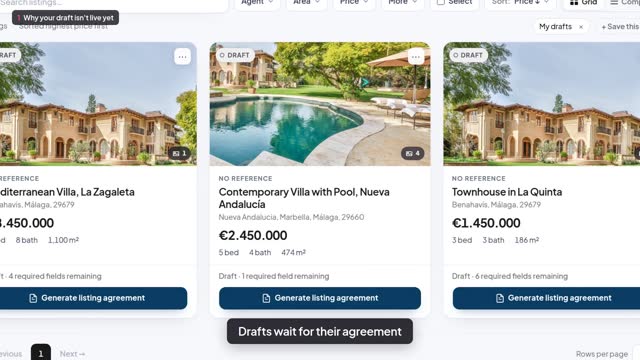 2:3619Listing agreement and going liveA Public listing goes live once its listing agreement is in place.
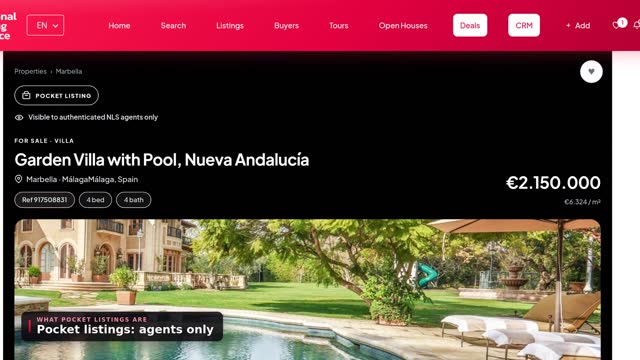 2:5120Private and pocket listingsPocket listings are off-market.
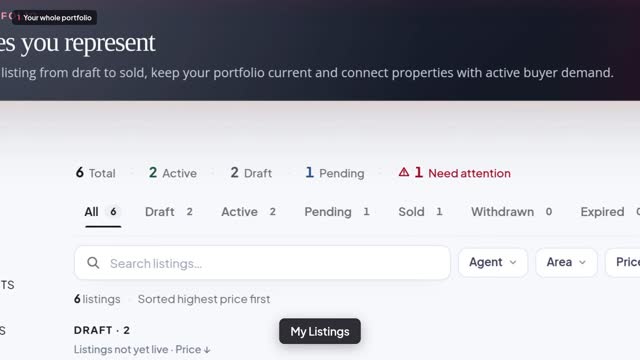 2:4221My ListingsMy Listings is every property you represent, from draft to sold.
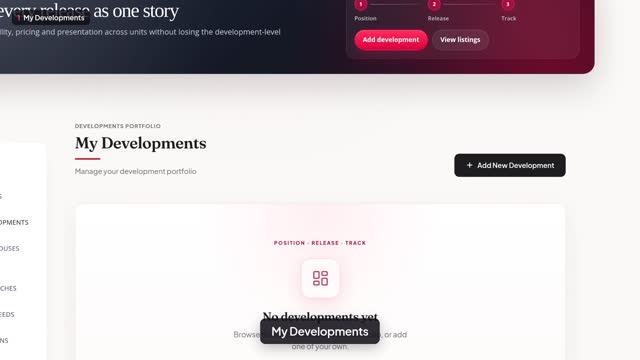 2:3322New developmentsMy Developments is where you manage new-build projects: off-plan, under construction or ready to move into.
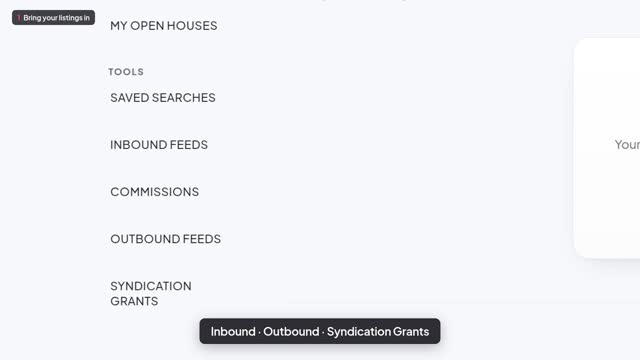 2:3523Listing feedsFeeds move your listings in and out of the NLS automatically.
04 · 5 tutorials
Marketing
Your public profile, e-shots, newsletters, articles and market data.
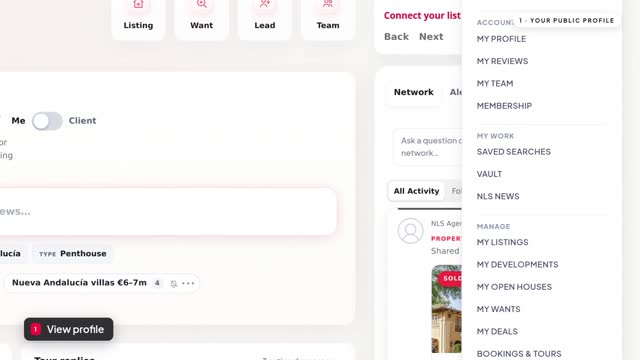 2:2924Your public profile and reviewsYour public profile is the page clients see when they look you up on the NLS.
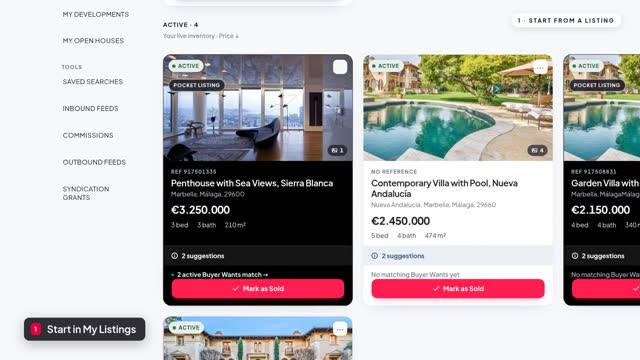 2:1225E-shotsAn e-shot sends one of your properties straight to the contacts who've agreed to hear from you.
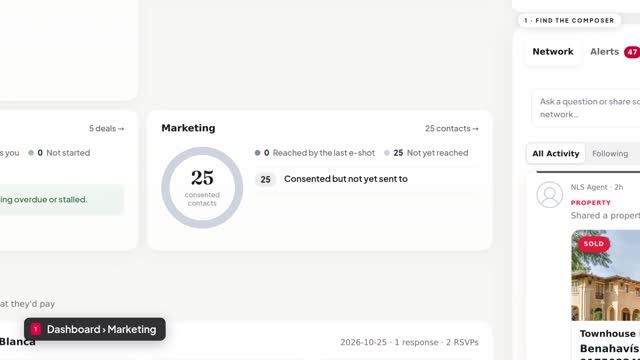 2:3926NewsletterYour newsletter goes to your own contacts: the people in your CRM who've agreed to hear from you.
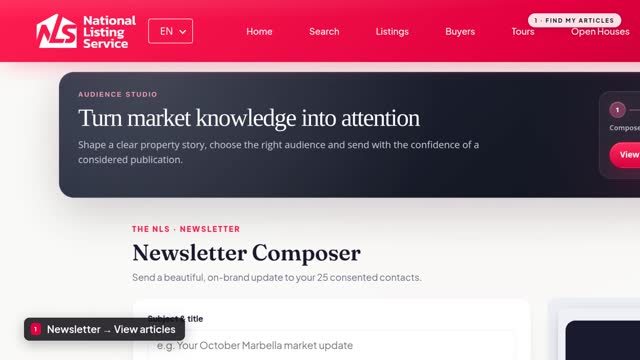 2:2627My ArticlesMy Articles is where you publish your own market insight, area guides and stories, under your own name.
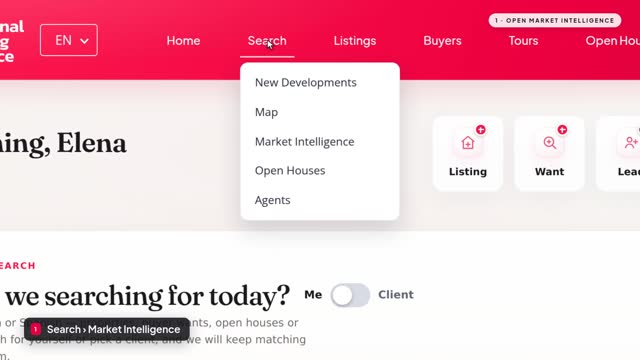 4:0728Market IntelligenceMarket Intelligence turns official property records into a market brief for any place.
05 · 4 tutorials
CRM
Your pipeline, client records, agenda and seller reports in one place.
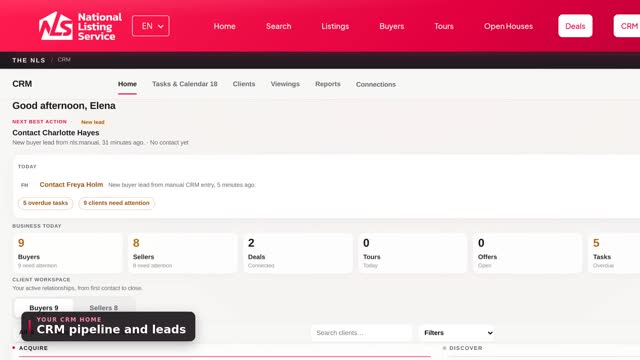 3:0829CRM pipeline and leadsIn this video, you'll learn your way around the NLS CRM: your pipelines, adding a new client, and moving clients from stage to stage.
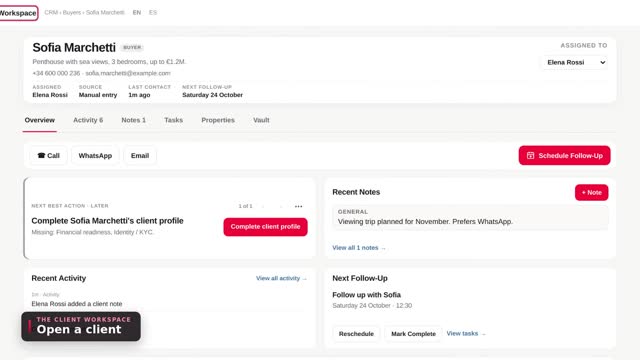 2:1530Client recordEvery client in the NLS CRM has their own workspace.
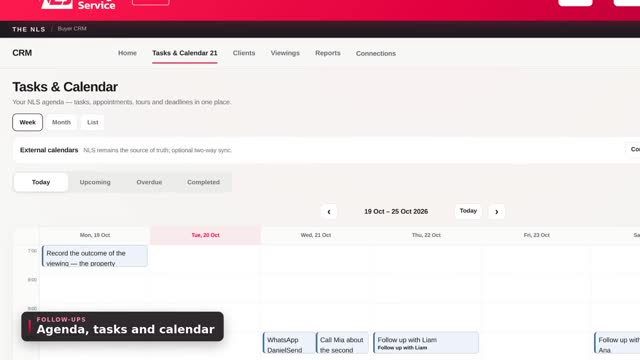 2:1331Agenda, tasks and calendarIn this video, you'll see how the CRM keeps your next steps on track: follow-ups, tasks, your calendar and viewings.
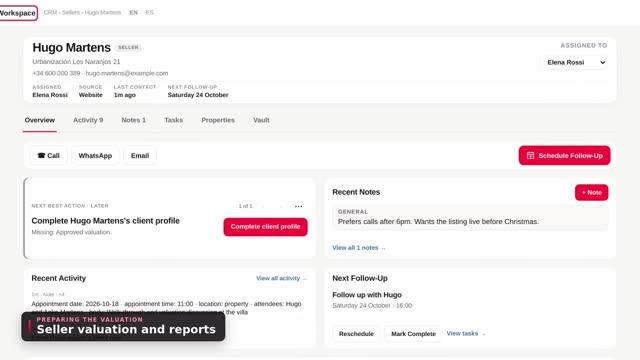 2:0132Seller valuation and seller reportsIn this video, you'll prepare a seller's valuation in the CRM, and then keep them informed once their home is on the market.
06 · 4 tutorials
Viewings
Showcases, viewing tours, showing confirmations and open houses.
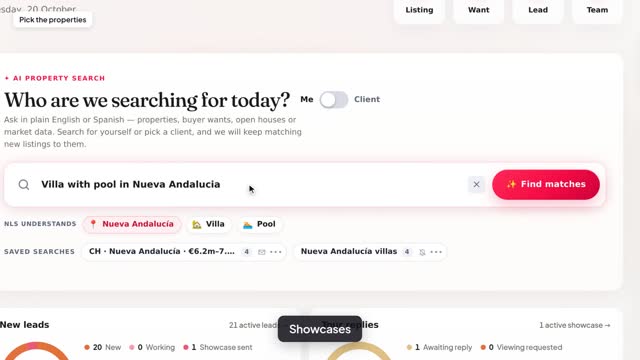 2:4533ShowcasesA showcase is a personal page of properties you pick for one client.
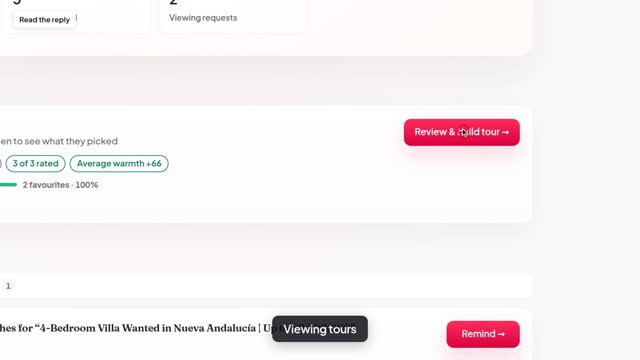 3:3034Viewing toursWhen your client asks to view, open their reply from Tours and click Review and build tour.
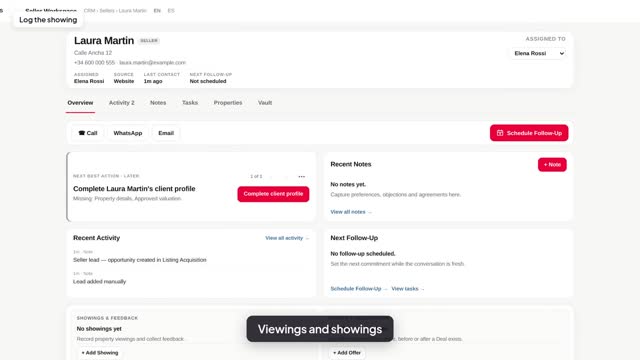 2:2135Viewings and showing confirmationWhen a buyer wants to see one of your seller's homes, you can log the showing, confirm the…
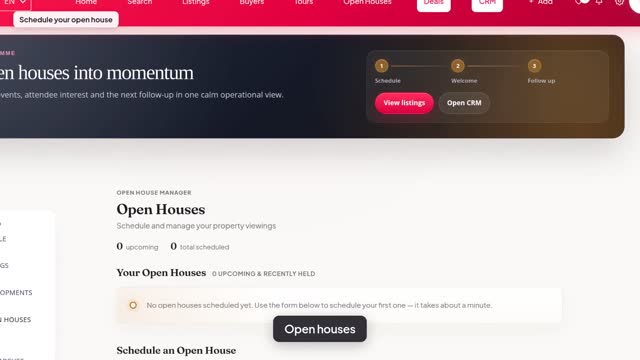 3:3436Open housesOpen houses let you show a listing to other agents in one go, and let you find and join theirs.
07 · 6 tutorials
The sale
Offers, contracts, e-signatures, deals and the Property Vault, through to completion.
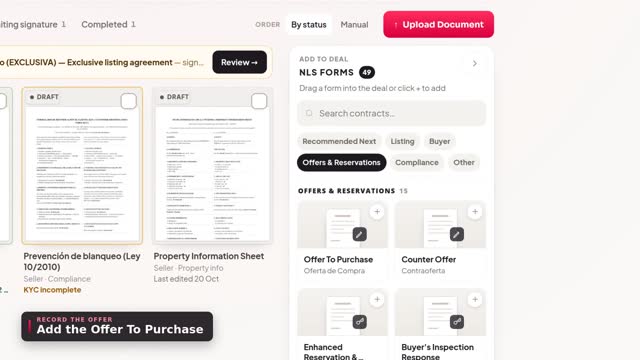 2:1437Offers and negotiationWhen a buyer makes an offer, open the seller's deal.
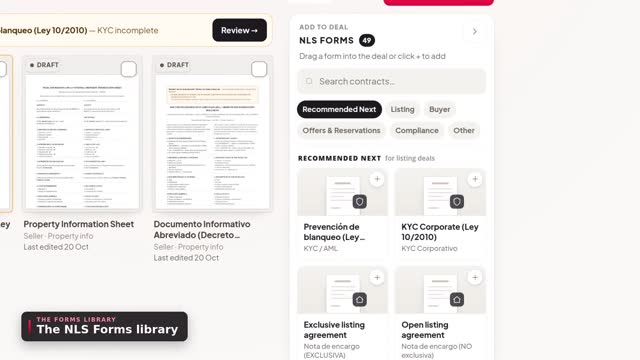 2:5638Contracts and the forms libraryEvery contract on the NLS belongs to a deal.
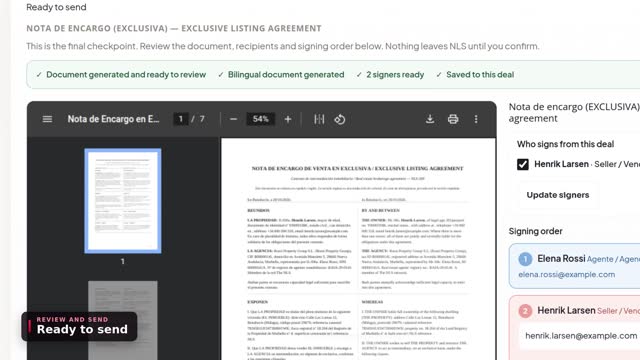 2:3339E-signaturesWhen a contract is ready, Review and send takes you to the final checkpoint on the deal's Signatures tab.
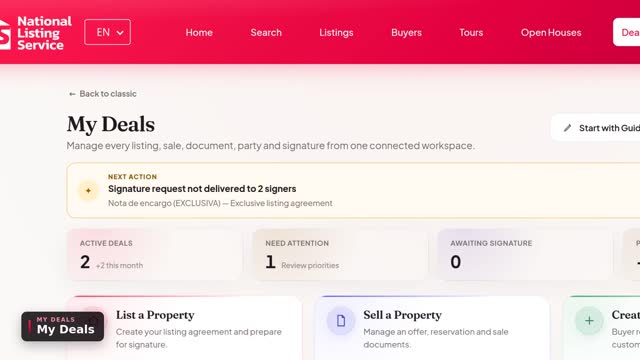 3:5940My Deals: running a transactionIn this video you'll learn how to run a transaction in My Deals: create a deal, and keep everything about it in one place.
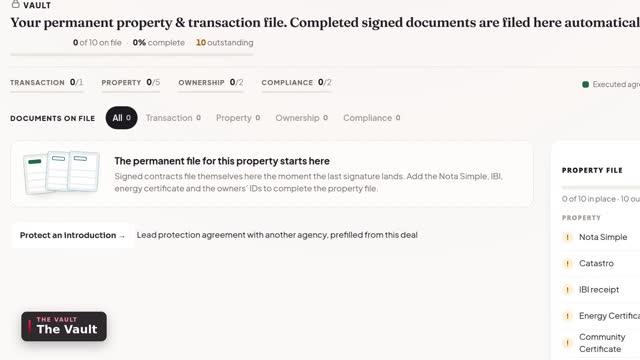 2:1141The Property VaultEvery deal has a Vault: the permanent file for the property.
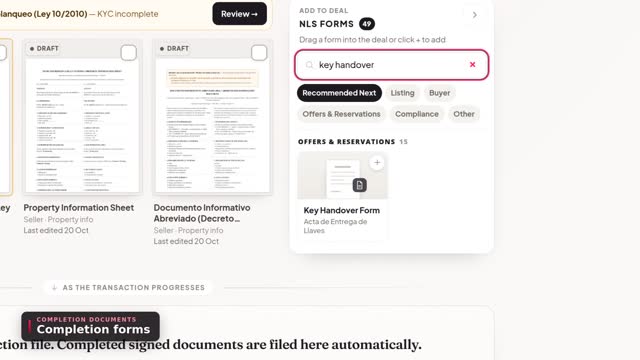 2:3142Completing the saleAs completion approaches, the forms you need are in the deal's forms library: the completion confirmation, the key…
